
Bring your parishioners to today's Mass
Add a button to your website, bulletin or app. People who have Catholic Mass Times will instantly see today's Masses near them; people who don't will go download it. Free, no sign-up and no coding.
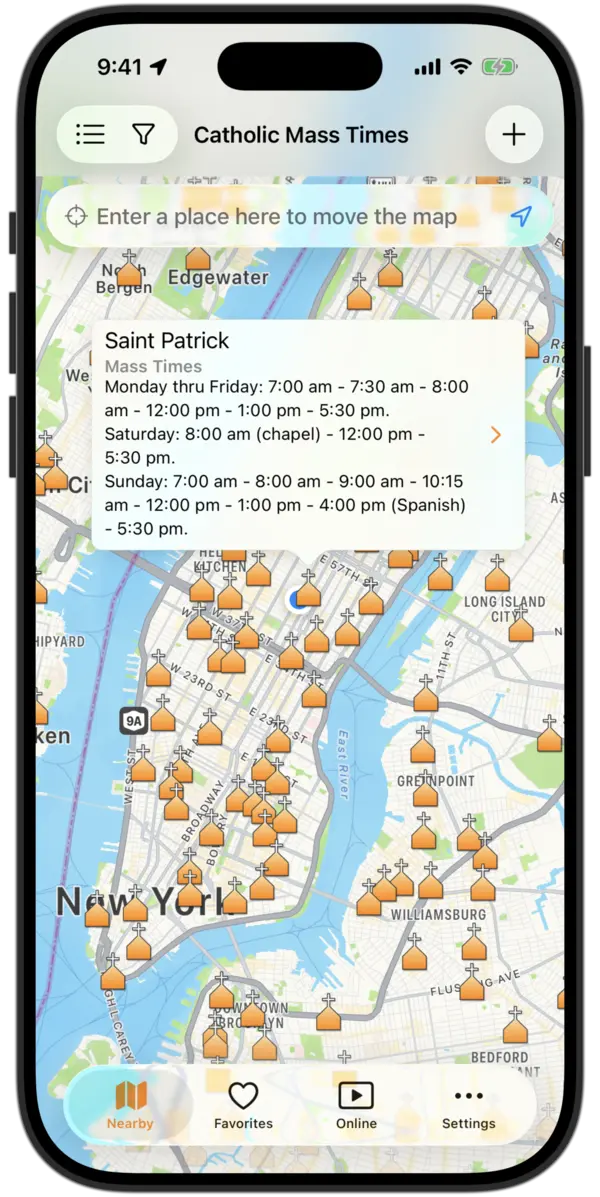
A link on your website can sustain someone's life of faith hundreds of miles away
Don't let a trip pull them away from God
Travel often breaks routines and pulls people away from their usual devotions: daily or Sunday Mass, Confession, Adoration. Help them stay close to God wherever life takes them.
Bring Catholics visiting your city to your parish!
Visitors look for Mass with Catholic Mass Times, the world's most popular app for finding Catholic churches and Mass times. Sharing it and keeping your Mass times up to date is the simplest way for them to find you. And it's free.
Check that your parish's times are up to date →How it works
There's nothing to install or set up on your side. It's an ordinary link with a special address the app recognizes.
Copy the button, banner or text
Choose below what you want to show (today's Masses, Confession or Adoration) and in which language. Everything is ready to paste.
Paste it on your website, bulletin or app
In WordPress it goes in a «Custom HTML» block; in Wix or Squarespace, in a code block. In a printed bulletin, use the QR code.
Your faithful get to today's Mass
With the app installed, the link opens the map already filtered: today's Masses, from the next hour on, around wherever the person is. Without the app, it opens the download page.
One honest detail: if someone doesn't have the app, they go to the store to install it, and the app doesn't open on the filter by itself. They need to tap your button again. That's why it's best to place it somewhere easy to come back to (your home page, footer or bulletin).
A button to your own church
The buttons below show the churches near whoever taps them. If you'd rather have the button open your parish's page, with its times, use the link the app gives you. Don't type it: copy it from the app and it always works.
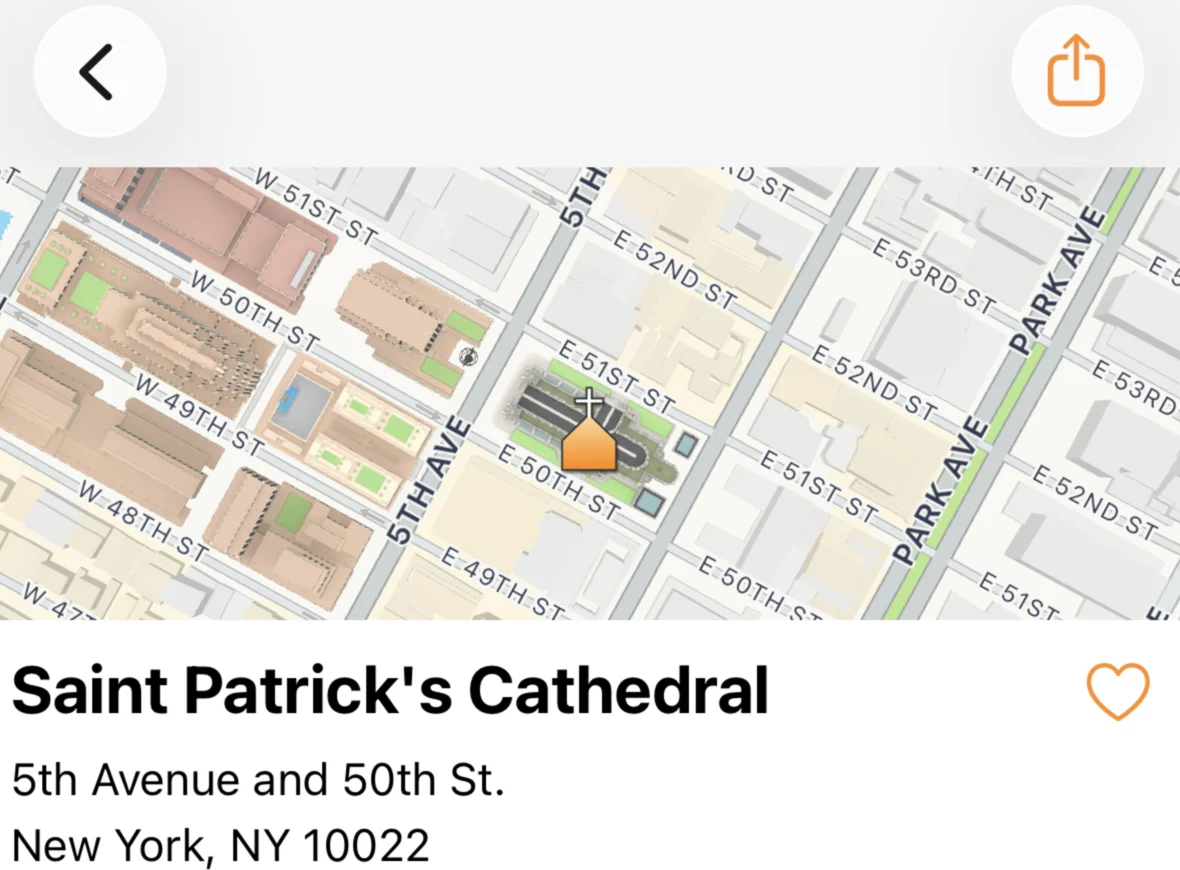
- Open Catholic Mass Times and find your church.
- On its page, tap Share, at the top right.
- Tap Copy and paste the link here.
- With the app: your church's page opens with its up-to-date times.
- Without the app: they see a page with your church's name inviting them to install it.
- On WhatsApp or Facebook: the link shows as a card with your church's name.
Buttons for your website
Three styles, all with the app icon so people recognize it at a glance. Each one is an ordinary link with its style included: no JavaScript, stylesheets or plugins. Paste the code wherever you want it to appear.
Main button
For home pages and Mass-times pagesSecondary button
To sit alongside your own buttonsButton with the app name
For sidebars and footersWhere do I paste it? WordPress: a «Custom HTML» block or widget. Wix: «Embed code». Squarespace: a «Code» block. Blogger: «HTML/JavaScript». If someone else manages your website, send them this page and let them pick the style.
Banners for your sidebar and footer
Images ready in standard web sizes. They're hosted on our server, so you don't need to upload anything: copy the code and you're done. If you'd rather upload them yourself, download them.
«What time is Mass today?» widget
A card with today's three options in a single block. Ideal for the sidebar of a parish or diocesan website. It's plain HTML: it loads no third-party script on your page.
Preview
Fits the width of your sidebarThe icon loads from our website.
Texts ready to paste
For an article, your Mass-times page, or your digital or printed bulletin. Change them as you like: what matters is that the link stays.
For your website or digital bulletin
One paragraph with a linkFor an article or post
Great before vacation seasonFor the printed bulletin
Short text + QR code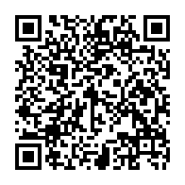
For your social media
Images for the feed and for stories, with suggested text. On Instagram the link goes in your bio or in a story's link sticker.
QR codes to print
For the bulletin, the notice board or a sign on the door. They're made to survive photocopying: they still scan with up to 30% of the image damaged.
The QR codes carry the tag ?s=qr so we know the person came from print. If you'd like one with your own name, write to us and we'll make it.
A poster for your parish notice board
Ready to print at home or at a print shop. Ask your pastor or the parish office for a spot on the notice board.
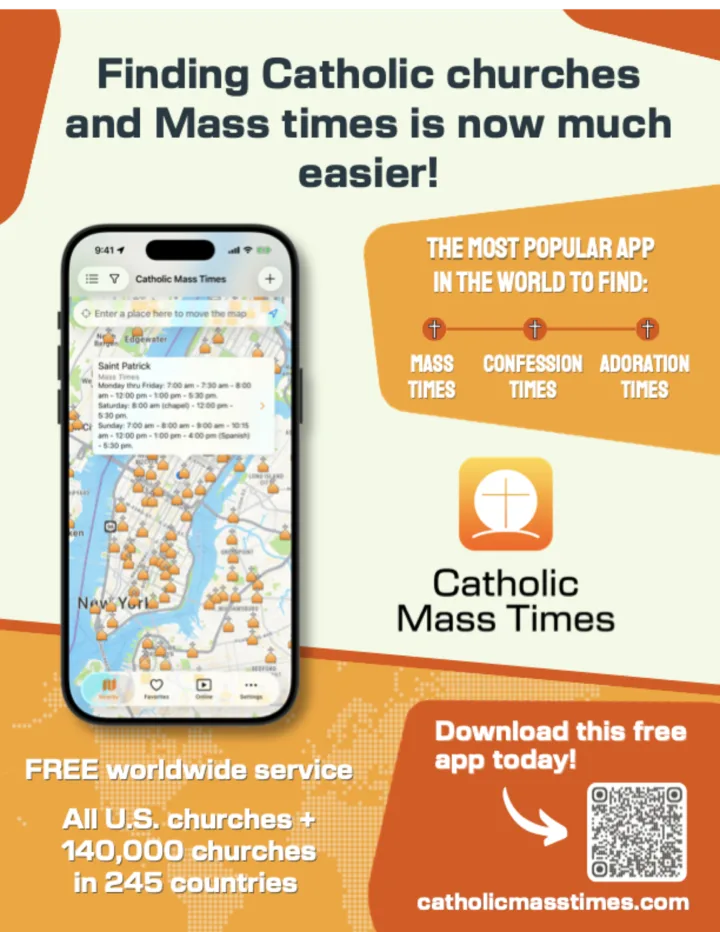
Sign for parishes
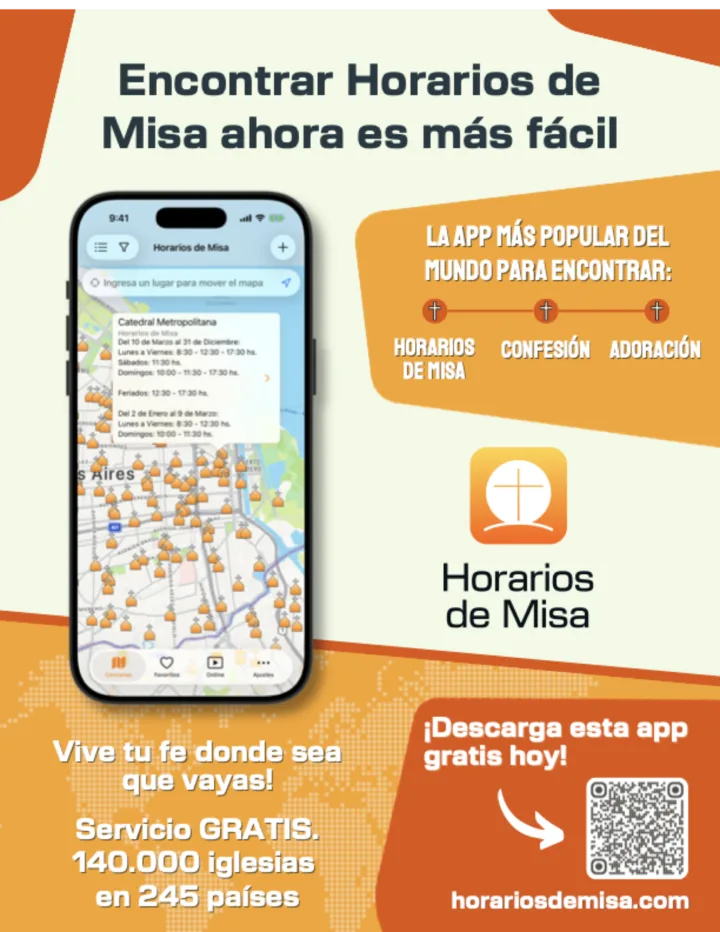
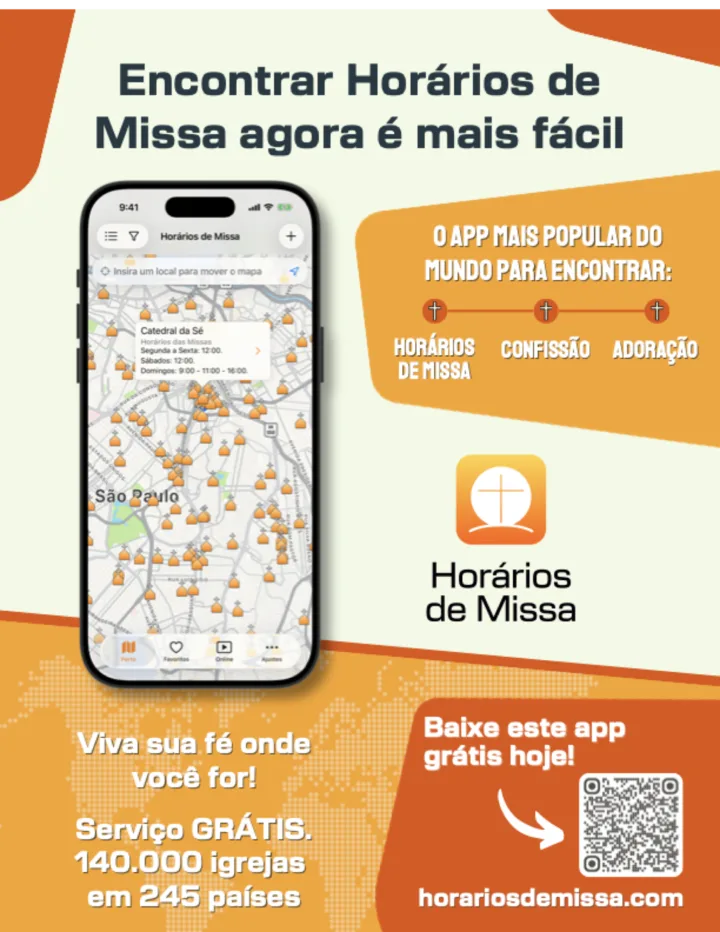
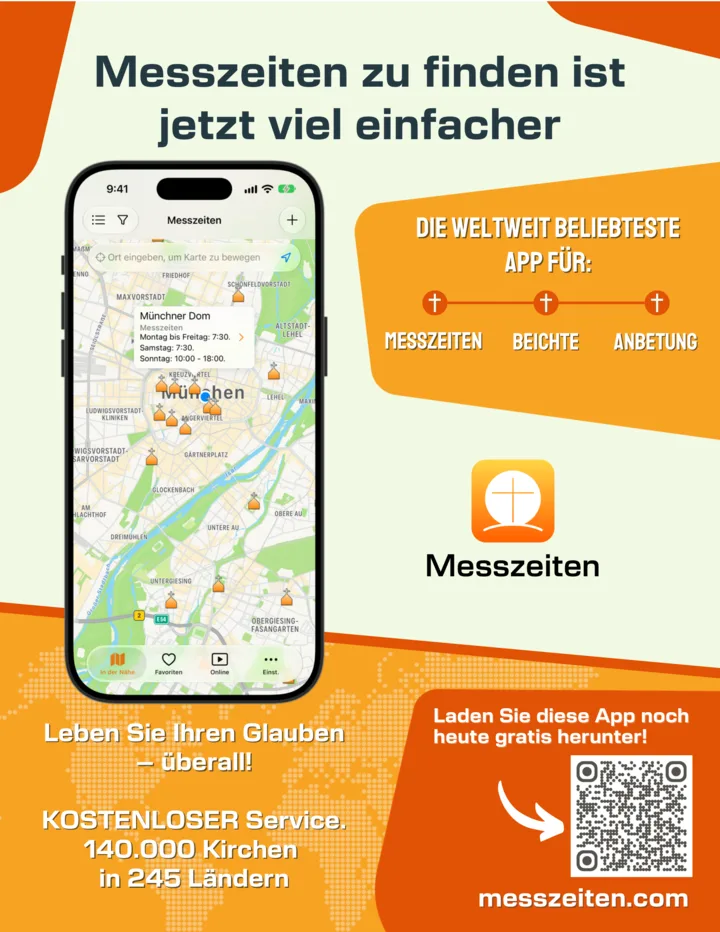
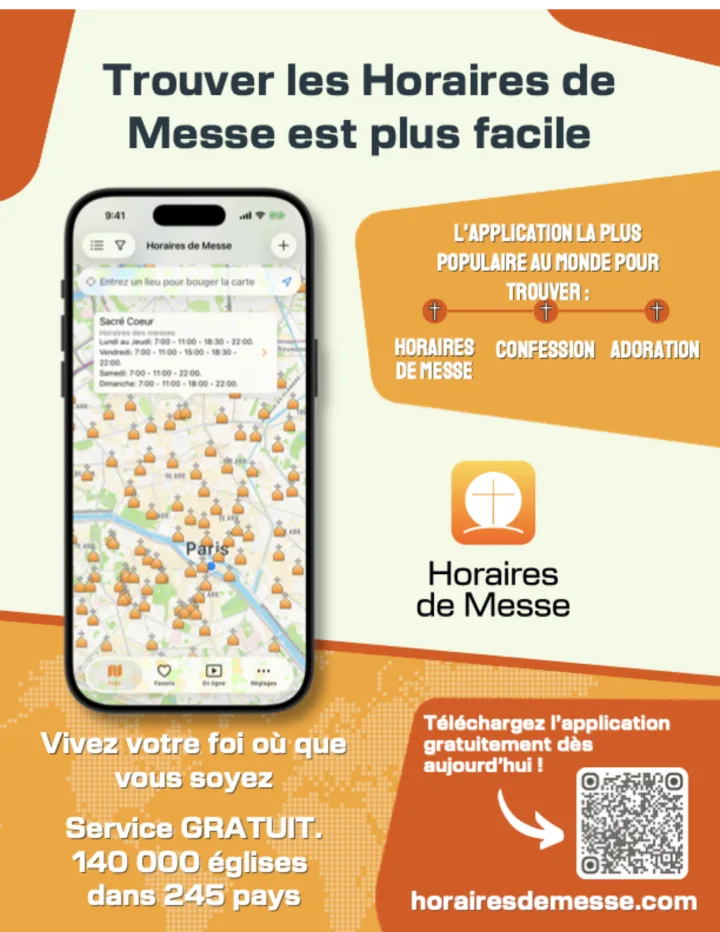
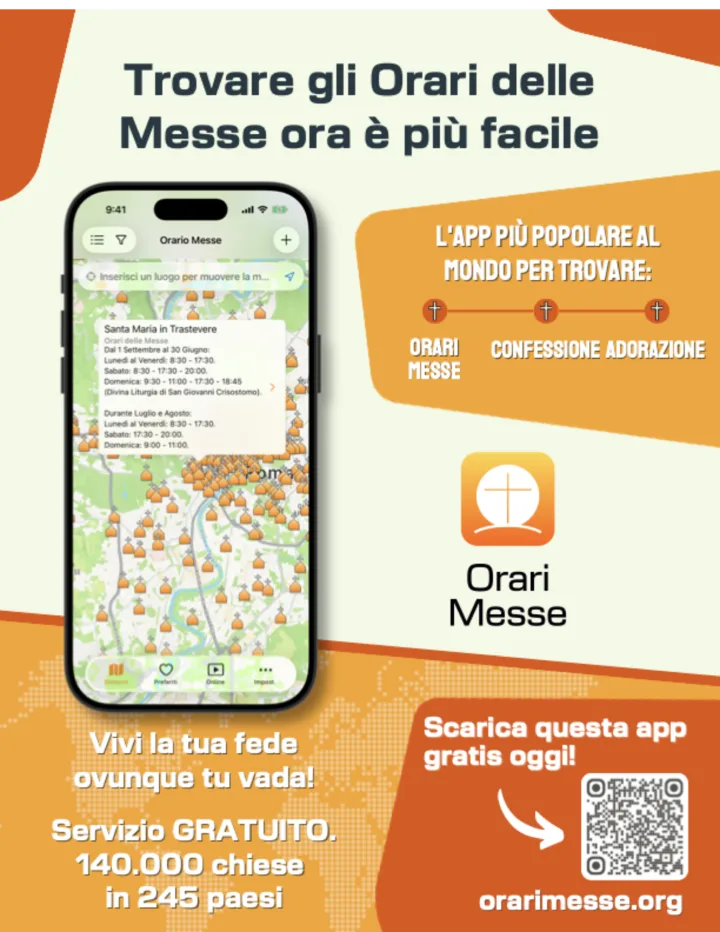
A poster with the app's QR code for the notice board. Print it in color on letter or A4 paper and put it where people will see it coming in or going out.
- Print one for your parish and, if you can, a few more for nearby churches.
- Ask the parish office for a spot on the notice board or on the door.
- Would you rather we send you printed posters? Fill out this form.
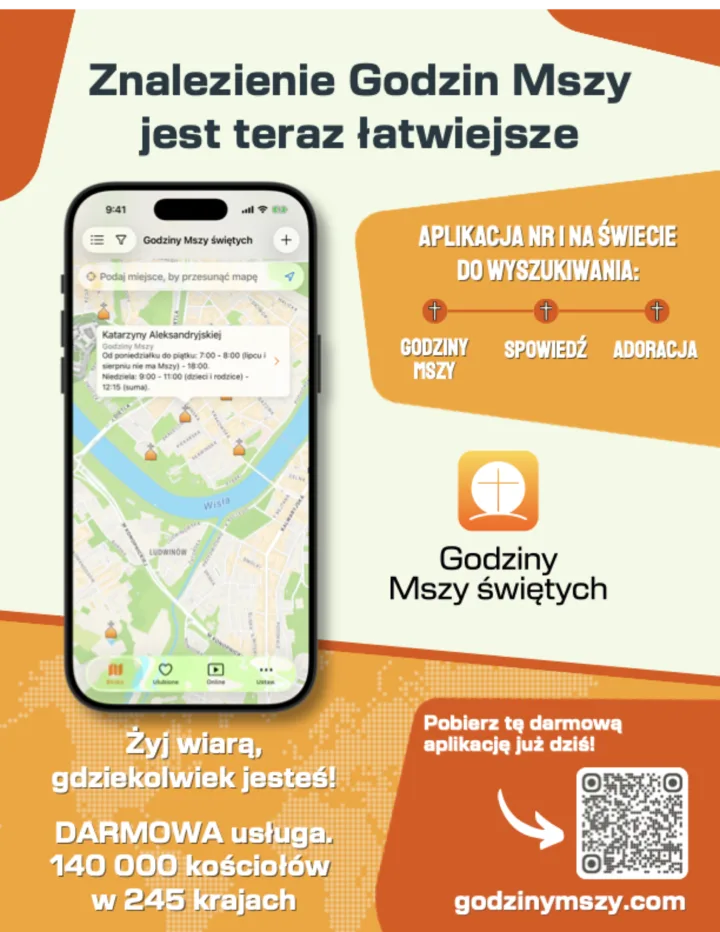
The same poster in other languages
If you have an app
Open the link with the browser or the system, not inside your own app (webview). That way the operating system hands it to Catholic Mass Times if it's installed, and to the store if it isn't.
Copy the link exactly as the generator gives it, without editing it. If you'd like to know how many opens your app generated, write to us and we'll give you links with your own tag. Any link that doesn't match the official ones still opens the app, but without the filter: check that it's spelled correctly and has no accents.
Frequently asked questions
What does someone without the app see?
The Catholic Mass Times download page. On a phone, that page takes them to the App Store or Google Play within a second. After installing, they need to tap your button again for the filter to open.
Can I find out how many people came from my website?
Yes. Write to us and we'll prepare links with your own tag: that way we count the app opens that come from your website and send you the numbers. Don't make up that tag in the link yourself: preparing it is our job. What we can't separate out is installs, because the tag gets lost on the way when the person goes to the store.
Does it work from Instagram, Facebook or WhatsApp?
Yes. Catholic Mass Times also opens from the browser those apps use. The cleanest path is still from a website or bulletin, but it works in all of them.
Can it show Masses near my parish instead of near whoever taps it?
Yes. Type your city or your parish's address in «Near where», in the generator above. It's useful for pilgrimage, religious-tourism or diocesan pages: whoever taps it will see today's Masses in that place, even before they arrive. Versions of the app older than 8.7.0 ignore the place and open the map where the person is.
Can I use the button in a language other than my website's?
Yes. Change the language in the generator: each language has its own domain and its own texts. A bilingual parish can put two buttons, one in each language.
Does it cost anything? Do I need permission?
It costs nothing and you don't need permission. Catholic Mass Times is a nonprofit work, supported by donations and free of ads. We're glad you're sharing it: tell us by email if you like.
Do you collect data about my visitors?
No. The buttons and texts are ordinary links: they load nothing on your page. The banners, the widget and the buttons with an icon show an image hosted on our website, with no cookies or tracking. The only thing we record is that the app was opened from a link. If you'd rather your page not request anything from another website, download the images and the icon and upload them to yours.
I typed the link wrong. What happens?
If the person has the app, it still opens, but without today's filter. If they don't, they see an error page instead of the download page. That's why it's best to copy the link from the generator or from the app, and never type or change it by hand.
Can I change the button's color or text?
Of course. Change anything inside style="…" and the text between the tags. The only thing that must stay untouched is the link address.
Did you put it on your website or bulletin?
Let us know so we can thank you and, if you like, show it as an example. And if you need another size, another language or a format that isn't here, we'll make it.


